Top 5 AI Tools to Restore Old Photos Online Without Editing Skills
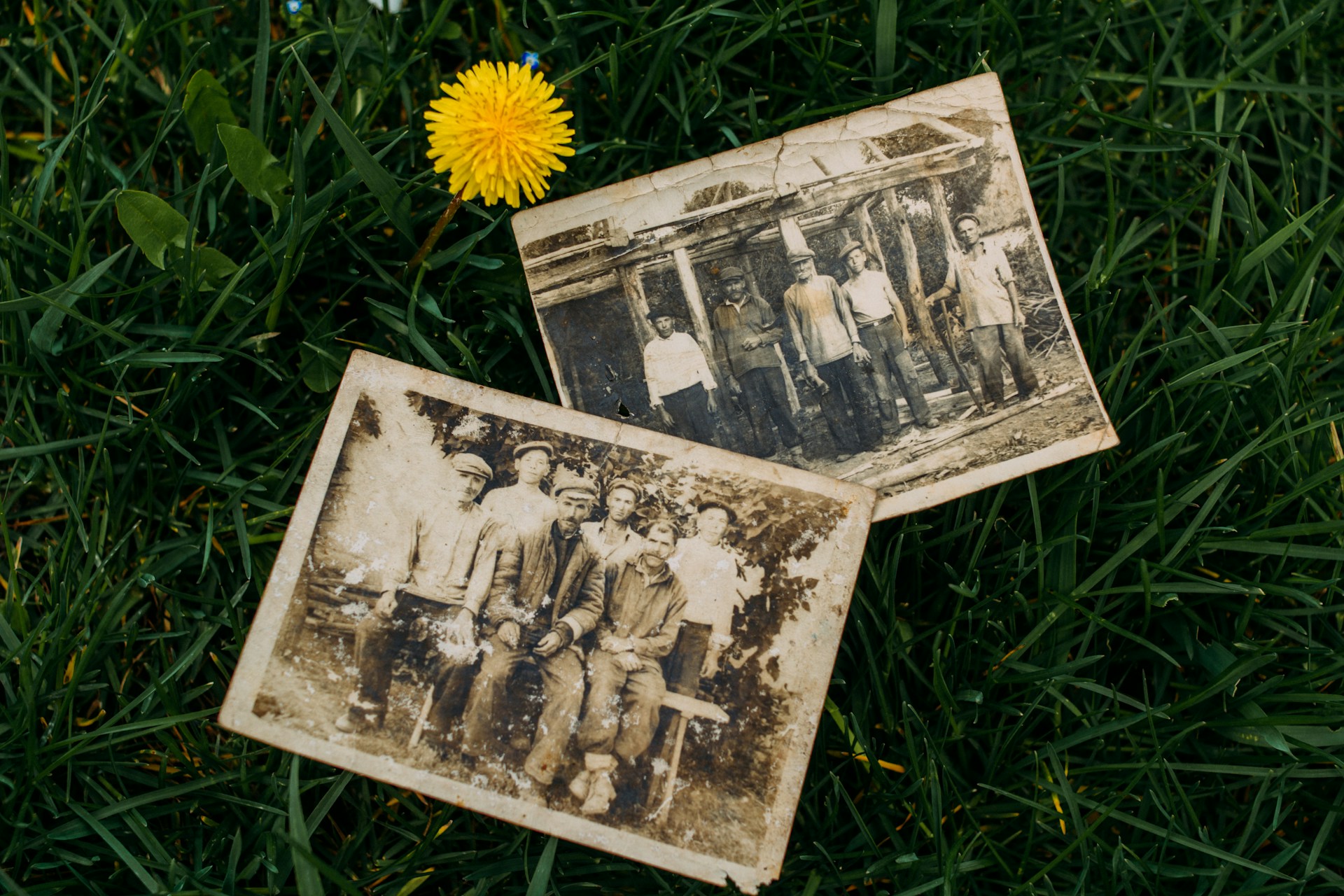
Old photographs carry memory, but time damages them. Scratches appear. Colors fade. Faces blur. Manually fixing these issues takes hours, requires expensive software, and demands skills most people simply don’t have.
AI tools changed this entirely. You can now restore damaged photos in seconds without knowing anything about image editing. These services automate the hard work: scratch removal, color correction, and face sharpening. They deliver results that rival professional restorers. Below, we break down five AI photo restoration tools, what makes each unique, and which one fits your needs.
What Makes a Good AI Photo Restoration Tool
Not all restoration tools work equally well. Some produce blurry results. Others add weird artifacts. A few take forever to process one image. Choosing the right one means looking beyond the marketing claims.
We tested dozens of platforms based on restoration quality, speed, ease of use, and pricing. Some tools specialize in fixing heavily damaged images. Others prioritize speed for casual users. A few offer free plans with decent features. Understanding these differences matters before you pick one.
Key factors that separate good restoration tools from mediocre ones:
- Restoration quality and detail level;
- Processing speed and automation;
- Ease of use for beginners;
- Availability of free features;
- Extra functions like colorization or upscaling.
These criteria shape our evaluation of each tool. We applied them consistently across all five platforms to give you a fair comparison.
1. Renew Photo
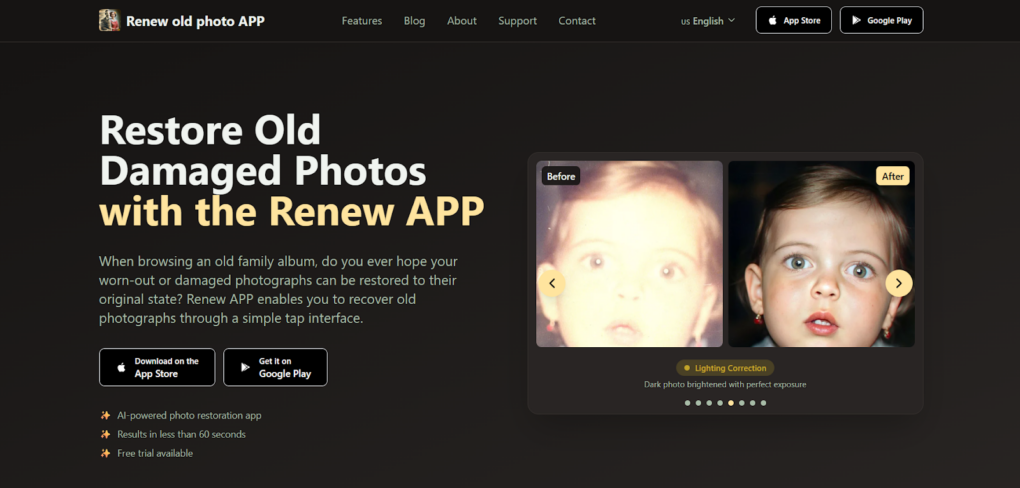
Renew Photo tool handles old photo restoration entirely online. No software install. No learning curve. Just upload and get results. Positioned as the best overall option, Renew Photo balances speed with comprehensive features.
What puts it at number one comes down to simplicity. The platform processes images in seconds. It fixes scratches, restores colors, and sharpens faces without asking you to tweak anything. All-in-one functionality means you don’t need separate tools for different problems. A single upload covers damage repair, colorization, and upscaling.
Key Features and Capabilities
Renew Photo covers the standard restoration workflow without gaps. Most users won’t need to look elsewhere for basic fixes. The platform handles common issues automatically, which matters when you have dozens of family photos to process.
What the tool delivers:
- Automatic scratch and damage removal;
- AI colorization for black and white photos;
- High-resolution upscaling;
- One-click processing workflow;
- No editing skills required.
This setup works for most restoration scenarios. You upload, the AI does its thing, and you download.
Who This Tool Is Best For
People with zero editing experience. Families digitizing old albums. Anyone who wants results fast without fiddling with settings. If you need one tool that just works, this is it.
2. RetroFix
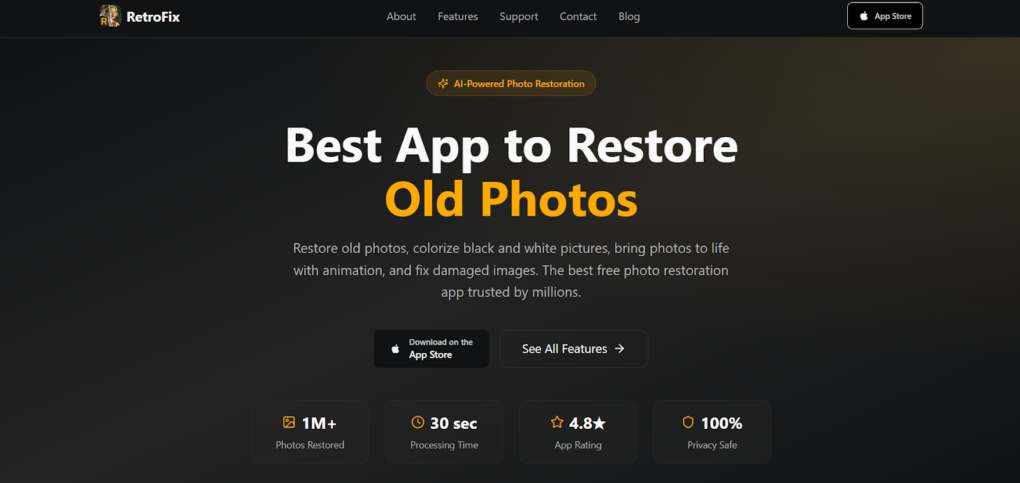
A mobile-friendly AI app focused on speed and accessibility. RetroFix positions itself as a strong free alternative, especially for users who prefer working on phones rather than computers.
The platform emphasizes quick turnaround. You snap a photo of an old print or upload a digital file, and processing finishes within seconds. Mobile optimization makes the interface clean and responsive on smaller screens.
Key Features
RetroFix targets users who want results without complexity. The tool strips away unnecessary options and gives you just enough functionality to get the job done.
What to expect:
- Fast photo processing in seconds;
- Mobile-friendly interface;
- Basic restoration and enhancement tools;
- Free access to core features;
- Simple upload and download flow.
For quick fixes on the go, this works well. Just don’t expect advanced damage repair.
Best Use Cases
Casual users fixing a handful of photos. People who prefer working on phones. Anyone testing restoration tools without committing to a paid plan.
3. VanceAI Photo Restorer
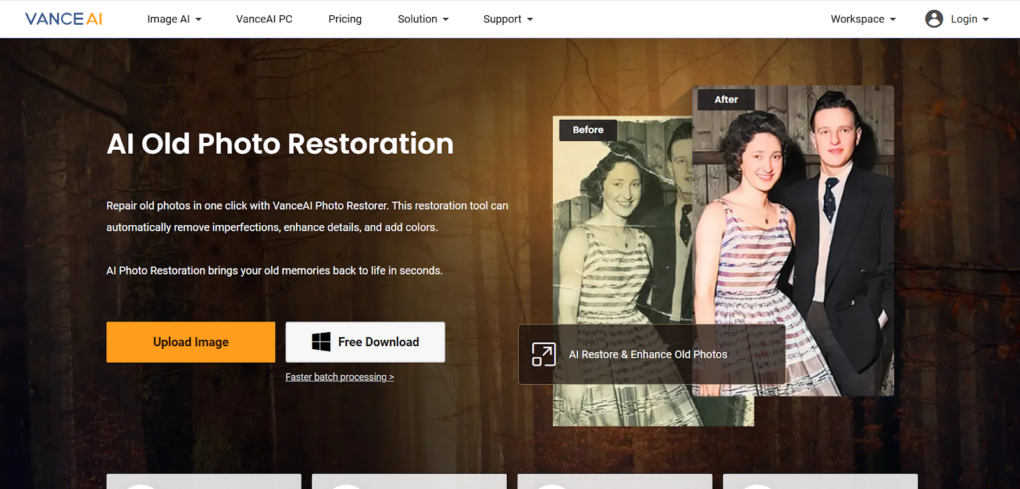
A more advanced AI tool built around sophisticated algorithms. VanceAI targets users who need higher quality outputs or have badly damaged images that simpler tools can’t fix.
The platform runs on dedicated models for specific problems: scratch repair, noise reduction, face enhancement. You get more control over the process, though the interface stays accessible for non-experts.
Core Features
VanceAI prioritizes quality over speed. Processing takes longer than some competitors, but the results handle complex damage better.
Key capabilities:
- Advanced damage repair algorithms;
- AI noise reduction;
- Image upscaling options;
- Batch processing support;
- Color enhancement features.
If you have photos with significant deterioration or plan to print restored images at larger sizes, this makes sense.
4. Picsart AI Photo Restoration
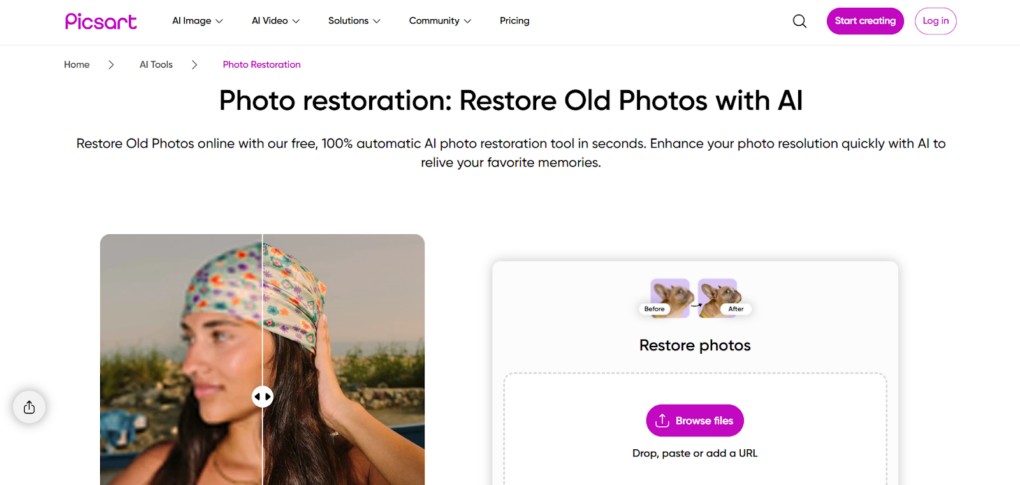
A widely known creative platform with a straightforward restoration feature. Picsart keeps things simple for beginners while offering additional editing tools if you want to tweak results further.
The restoration function sits inside a larger suite. You can use it standalone without touching other features. Interface design focuses on clarity: buttons are labeled clearly, and the workflow follows logical steps.
Main Advantages
Picsart works well for people who want basic restoration without intimidation. The free plan gives you enough to test before upgrading.
What stands out:
- Beginner-friendly interface;
- Quick enhancement tools;
- Free plan available;
- Works on mobile and desktop;
- Simple editing workflow.
A solid starting point for first-time users. You can always move to more advanced tools later.
5. Hotpot.ai

A lightweight restoration tool that skips registration entirely. Hotpot.ai focuses on fast processing for straightforward use cases: minor damage, face enhancement, basic color fixes.
No account creation means you upload, process, and download in under a minute. The interface feels minimal, which some users prefer when they just want one quick fix.
Key Strengths
Hotpot.ai removes friction. You don’t give up email addresses or navigate complex menus. Speed is the selling point.
What makes it work:
- No registration required;
- Fast processing time;
- Basic restoration tools;
- Face enhancement features;
- Lightweight interface.
Good for testing restoration quality quickly. Not the right fit for heavily damaged photos or large batches.
How to Choose the Right Tool
Your specific needs determine which platform makes sense. Budget matters. So does the type of damage you’re fixing. Some tools handle deep scratches better. Others prioritize speed for casual use.
Before picking, think about what you actually need. A single family photo with minor fading needs something different than a box of 50 damaged prints from the 1940s.
Consider these factors:
- Level of damage in your photos;
- Need for advanced features like batch processing;
- Budget or free usage preference;
- Device compatibility (mobile vs desktop);
- Speed versus quality trade-off.
No single tool wins across all categories. Renew Photo offers the most balanced package. RetroFix gives you a solid free option. The others serve specific scenarios.
Final Thoughts
AI made photo restoration accessible to everyone. You no longer need Photoshop skills or expensive editing services. Upload, wait a few seconds, and get results that would have taken hours a decade ago.
Renew Photo takes the top spot because it balances simplicity with quality. RetroFix works well if you want free access or mobile convenience. VanceAI handles complex damage. Picsart suits beginners. Hotpot.ai delivers quick tests without registration. Pick based on your actual project, not marketing hype.